Frp Android 11: Gsmneo
Before discussing the tool, it’s important to understand why Android 11 requires specialized software:
GSMneo overcomes these challenges by:
| Risk | Description |
|------|-------------|
| Data loss | FRP bypass does not recover user data. |
| Brick risk | Wrong ADB commands or wrong firmware flash can hard-brick the device. |
| IMEI blacklist | Bypassing FRP does not remove carrier blacklists. |
| Security | Downloading random FRP APKs can install malware. Use VirusTotal before installing. | gsmneo frp android 11
This method works if the device’s security patch is before March 2021.
How does GSMneo stack up against other solutions in 2024-2025? Before discussing the tool, it’s important to understand
| Tool | Android 11 Support | Success Rate | Cost | Ease of Use |
| :--- | :--- | :--- | :--- | :--- |
| GSMneo | Excellent (regular updates) | 90%+ | Moderate (one-time license) | Medium (needs driver knowledge) |
| SamFW FRP Tool | Good for Samsung only | 70% (patched often) | Free | Easy |
| FRP Hijacker | Poor on Android 11 | <30% | Free | Hard |
| Octopus Box | Excellent | 95% | Expensive (hardware box) | Medium |
For technicians, GSMneo offers a cost-effective balance. For Samsung Android 11 devices, SamFW works sometimes, but GSMneo handles Mediatek and Qualcomm much better. GSMneo overcomes these challenges by: | Risk |
Bypassing FRP on Android 11 is significantly harder than on Android 6 or 7. Google has patched many of the "holes" developers used previously, such as accessing the keyboard settings via a typo or opening a browser via a help file.
However, vulnerabilities still exist, often revolving around:
GSMNeo leverages these entry points to allow users to download a file manager or browser directly onto the locked phone.
Execute steps carefully, back up any data if possible, and verify device boots to setup screen.
Reprovision device: add new account and check Google Play services behavior.
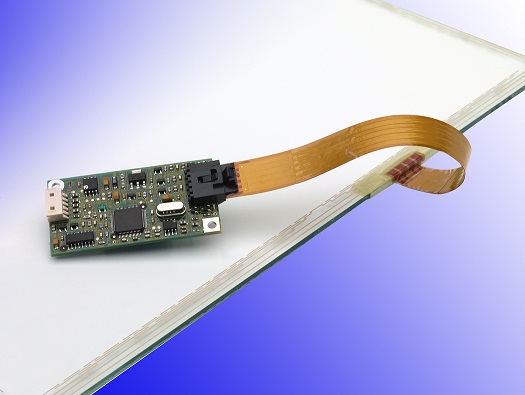 Touch Screen Sensor
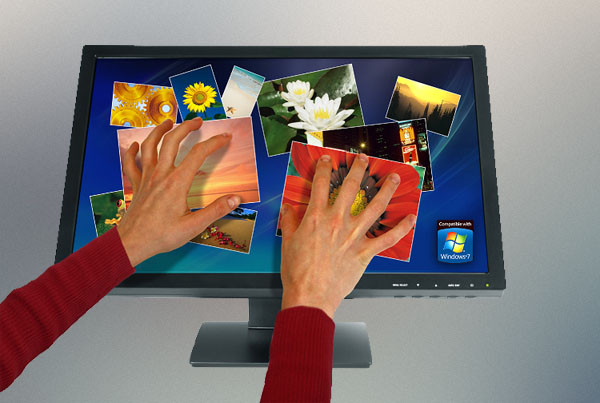 Touch Screen Monitor
 Touch Computer
 Speciality Display
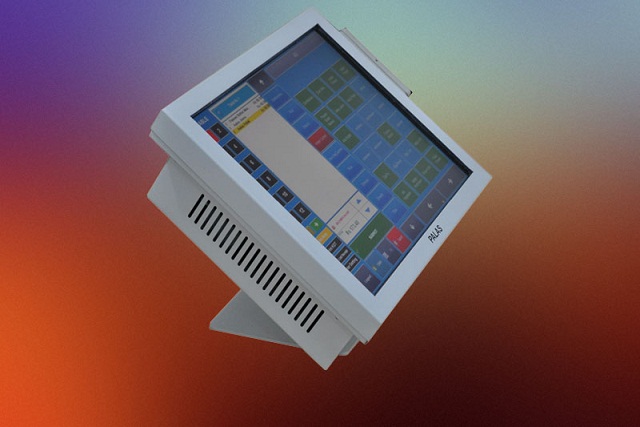 POS System
 Self Ordering System
 Self Service Patient Registration
 Self Service Employee
 Digital Signage
 Software for Factories
 HR Software
 Value Series
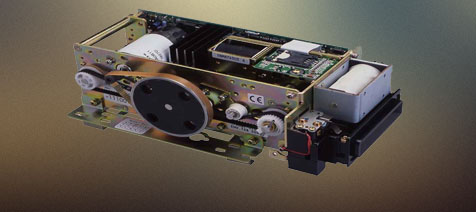 Smartcard Reader
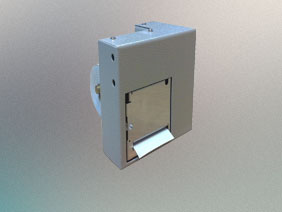 Thermal Printers
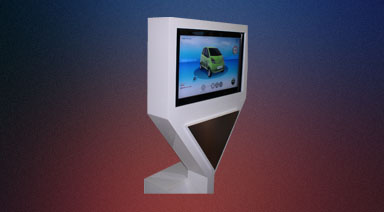 Retail Solution
 Industrial software
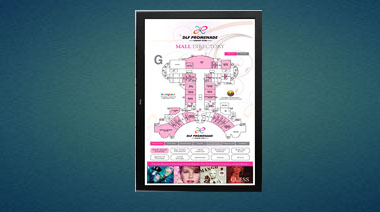 Digital Signage
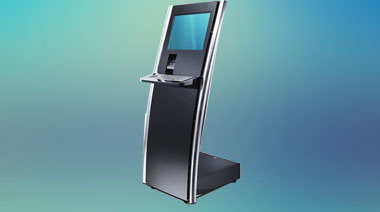 Kiosk
Kiosk
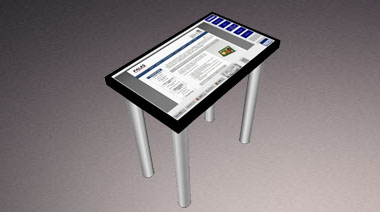 Touch Table